Markdown Previewer
Turn raw Markdown into a clean reading view in Microsoft Edge and Google Chrome —
local files, remote .md URLs, and GitHub gist/raw links.
GFM reading view
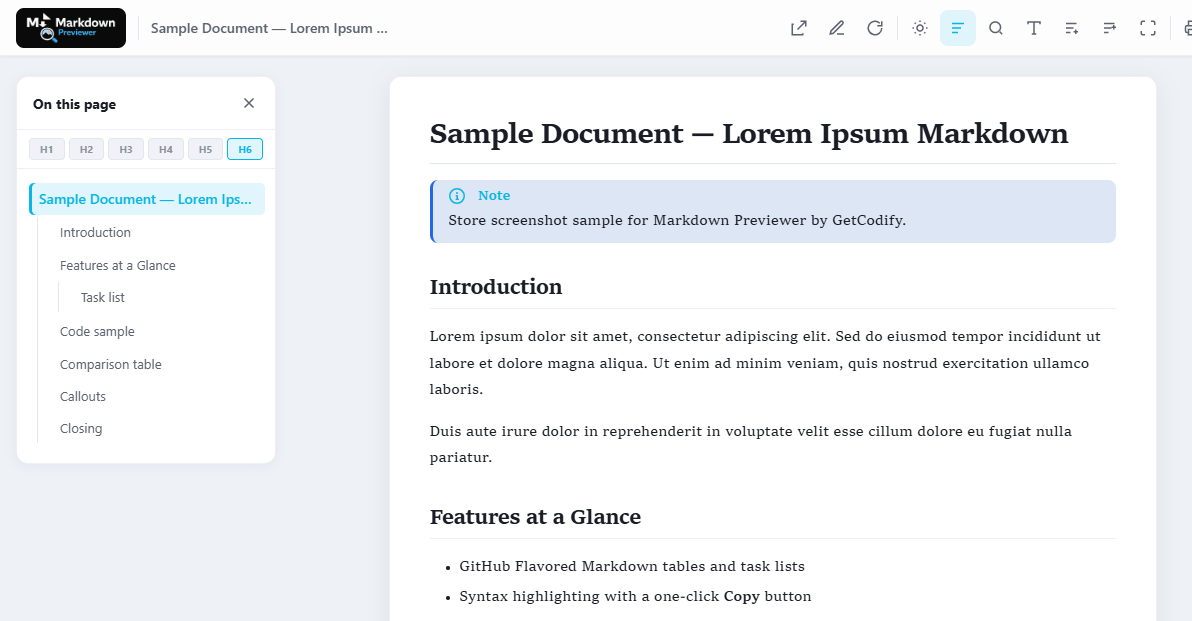
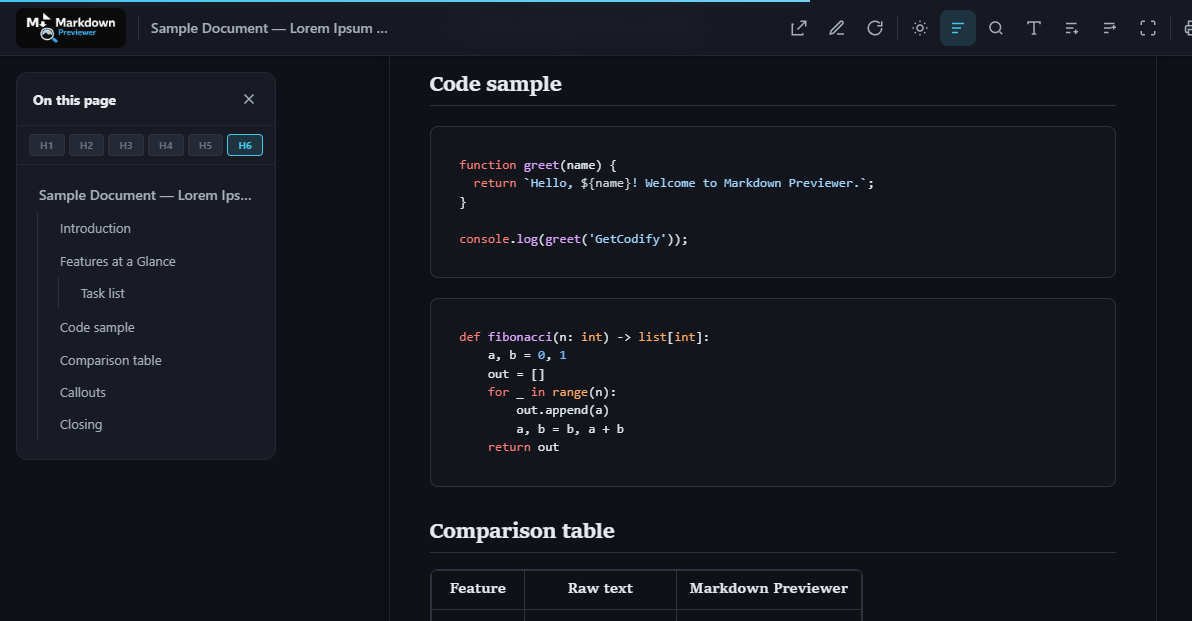
Tables, task lists, fenced code, callouts, footnotes, and emoji shortcodes.
TOC & search
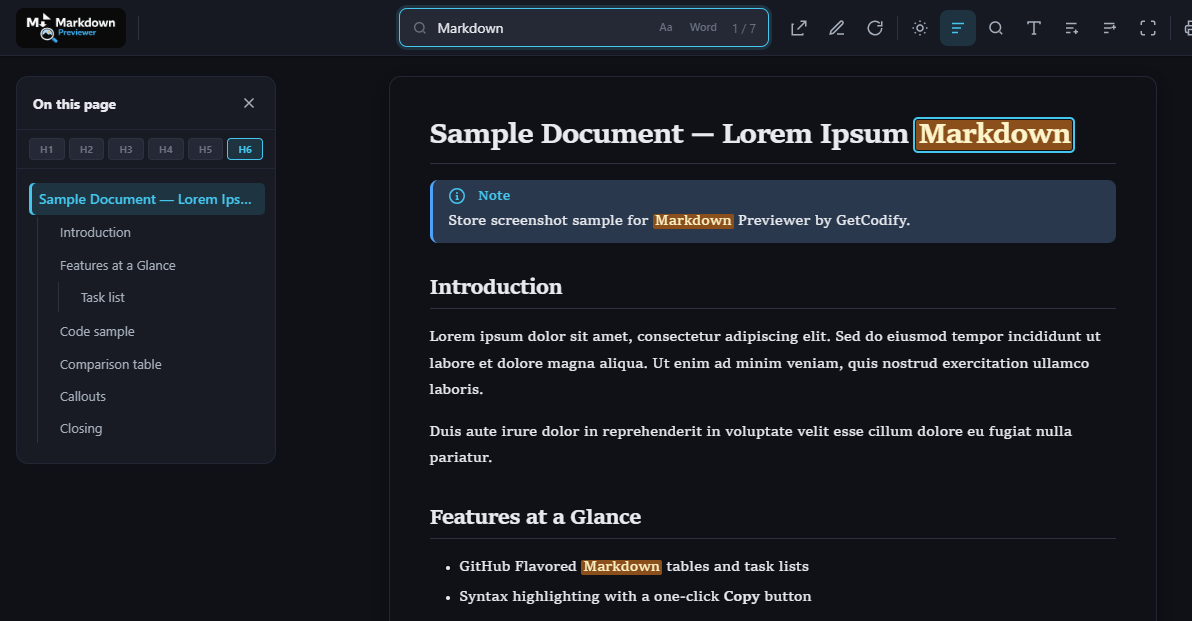
Sidebar table of contents, in-page search, and a reading progress bar.
Themes & export
Light / dark / system themes, typography controls, HTML export, and print.
Privacy-minded
Preferences stay on your device. No account. No analytics SDK in the extension.
Screenshots
How to use
- Open a URL ending in
.md,.markdown, or.mdx— many pages preview automatically. - Use the popup Preview this tab or the page context menu.
- Drop a Markdown file onto the viewer, or hold Alt while dropping onto another page.
- For local
file://files, enable Allow access to file URLs in the extension details.
Site-wide privacy for getcodify.com tools: Privacy Policy. Extension-specific details: Markdown Previewer privacy.